★ Product photoshoot: Kontext vs the current RunningHub
One real seller photo (Hugo cologne, shot in a shop) → professional shots. Both engines run live on the same photo. The hard part: keep the exact bottle and the "HUGO" label.

Hugo "Man" bottle held in a cluttered perfume shop, mixed lighting, busy background. This is what a Blinco seller actually uploads.
✓ Bottle + red HUGO label preserved. ✓ Any scene you can describe (prompt-controlled). ✓ Same API as the site imagery, no coins/3rd-party queue.
✓ Turnkey — one graph, no prompting, a curated 9-shot spread. ✓ Best label fidelity (HUGO BOSS legible). ✗ Fixed aesthetic, no scene control, depends on RH service + coins.
• RunningHub = 11 coins ($0.004) + $0.07 wallet = $0.074 for a fixed 9 shots (~$0.008/shot)
• Kontext = $0.099 for 9 shots (~$0.011/shot) — but you choose the count: 4 shots @768px ≈ $0.03
Per 1,000 sellers: RunningHub's fixed-9 = $74; Kontext at the 4 shots a seller actually needs = $32. So Kontext is cheaper in practice because it doesn't force 9. Quality is a wash (RunningHub's label fidelity is a hair better; Kontext's scenes are cleaner e-commerce). And RunningHub's dual currency is a trap: premium runs drain the USD wallet, not the coins — this account has 72k coins but only ~$7.8 wallet, so it's ~111 runs from a forced top-up with 70k coins stranded. Kontext = one key, one balance, prompt-controlled scenes, fewer shots.
My take: move product shots to Kontext for control + one-vendor simplicity, and keep RunningHub as a fallback. Want me to wire Kontext into
productShots.ts (same async upload→edit→store shape it has now, with 3–4 scene prompts per product)?
Can product shots be cheaper than Kontext?
Short version: Kontext-dev (~$0.01/img ≈ $10 per 1,000) is already the cheap floor for real fidelity. Going cheaper breaks the product.

| Image-to-image model | Per image | Per 1,000 | Keeps the real product? |
|---|---|---|---|
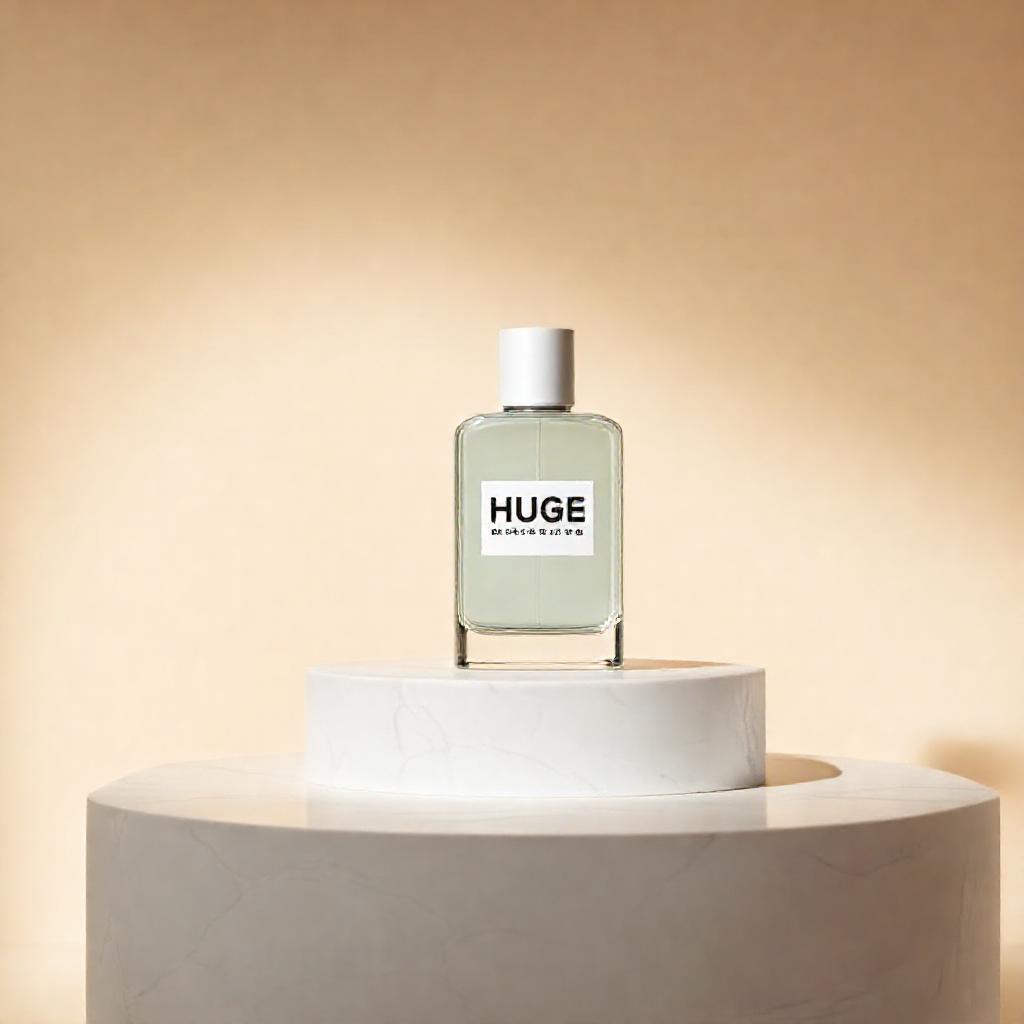
| schnell img2img | $0.0005 | $0.50 | ✗ No — reinvents it ("HUGE") |
| FLUX.1-Kontext-dev | ~$0.011 | ~$10 | ✓ Yes — best value |
| FLUX-1-Redux-dev | $0.012 | $12 | ~ variation, not instruction-edit |
| Qwen-Image-Edit | $0.028 | $28 | ✓ Excellent, a touch cleaner |
| Qwen-Image-Edit-Max | $0.075 | $75 | ✓ (overkill) |
The right way to cut cost isn't a cheaper model, it's fewer/smaller shots: a seller needs ~3–4 hero shots once, not 9 — and at 768px with fewer steps each drops to ~$0.006–0.008. That's ~$0.02–0.03 per seller onboarded. Cost scales per seller, not per 1,000 images. So the whole product-shoot bill for a seller is a rounding error either way.
FLUX-1-schnell — the cheap one
10 realistic briefs · $0.000375 each · $0.00375 total for all ten
schnell vs dev — is 18× the price worth it?
Same prompt, same seed-free run. schnell $0.000375 vs dev $0.00675. Judge for yourself.
SaaS / product UI — the honest answer
Can it do dashboards & app screens for mockups? Partly. The rule: models can render the shape of a UI but not legible text. So it depends entirely on how the UI is shown.
The "one canvas → crop" trick, tested on all 3 ideas
Smart instinct. It's a trap for photos (per-megapixel pricing means no saving) and a gem for assets (small + reusable + transparent).
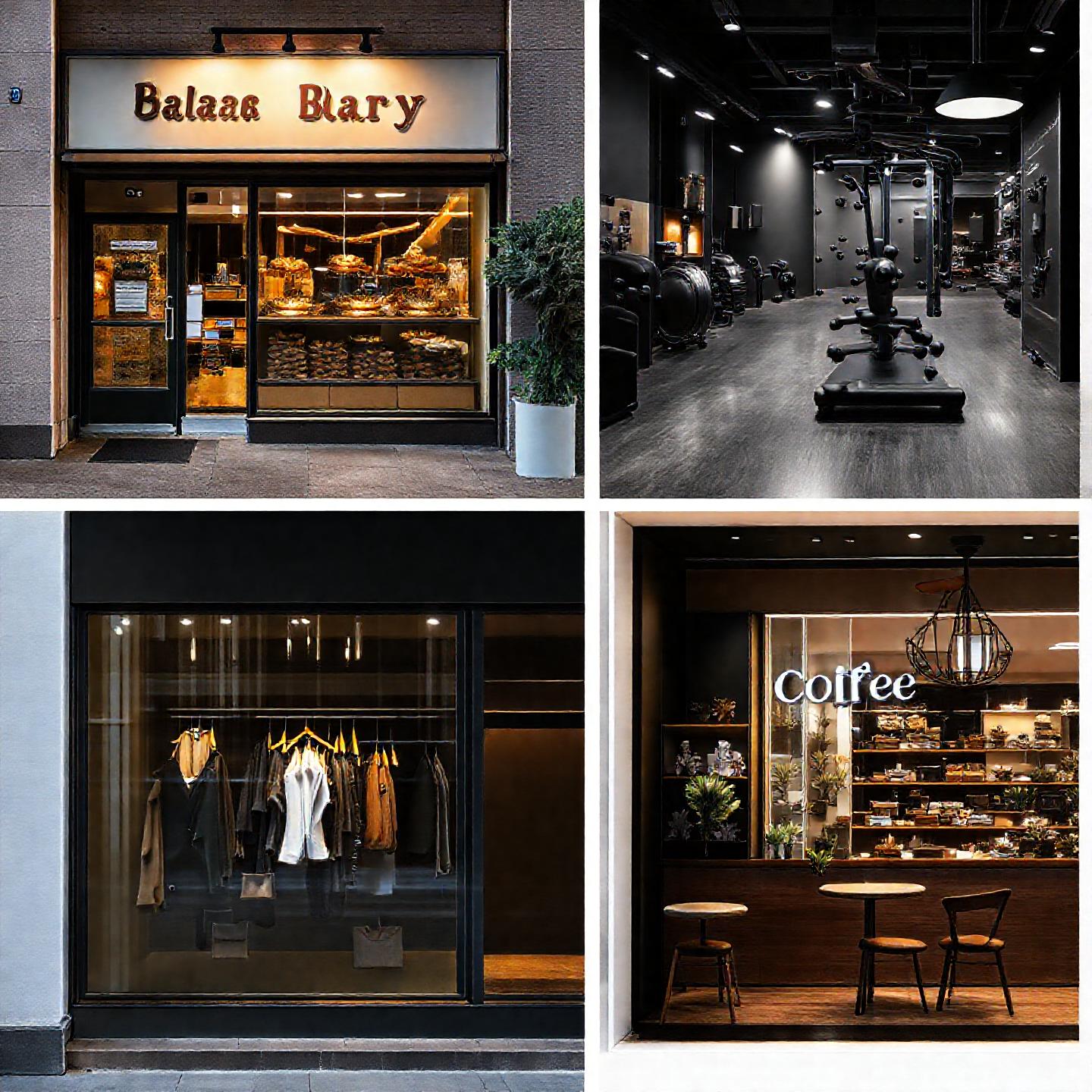
One 1440² canvas → 4 crops @720px ($0.001). Problems: all four inherit one global look (everything went dark — no bright bakery next to a dark gym), each crop is only 720px (soft for a hero), framing gets clipped, and it's the same price as 4 separate images. You lose control + resolution for zero saving.
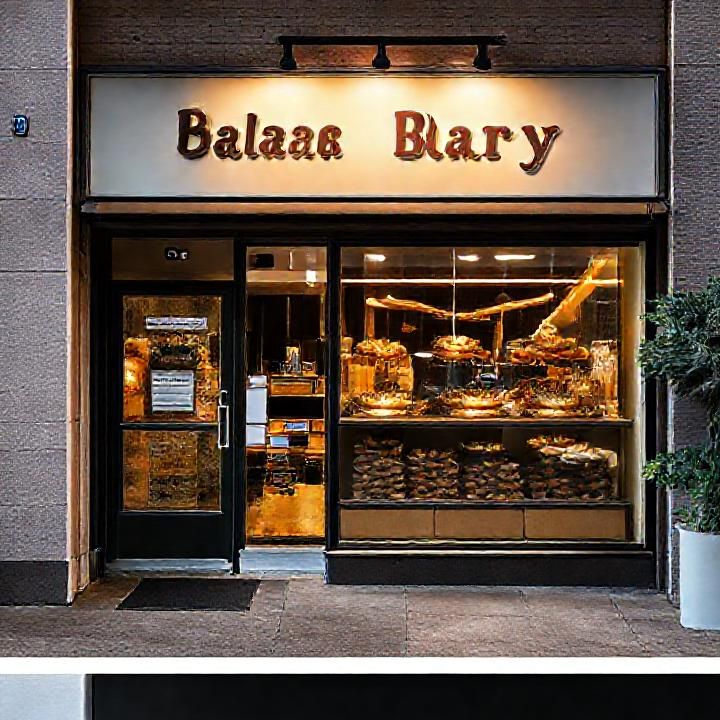
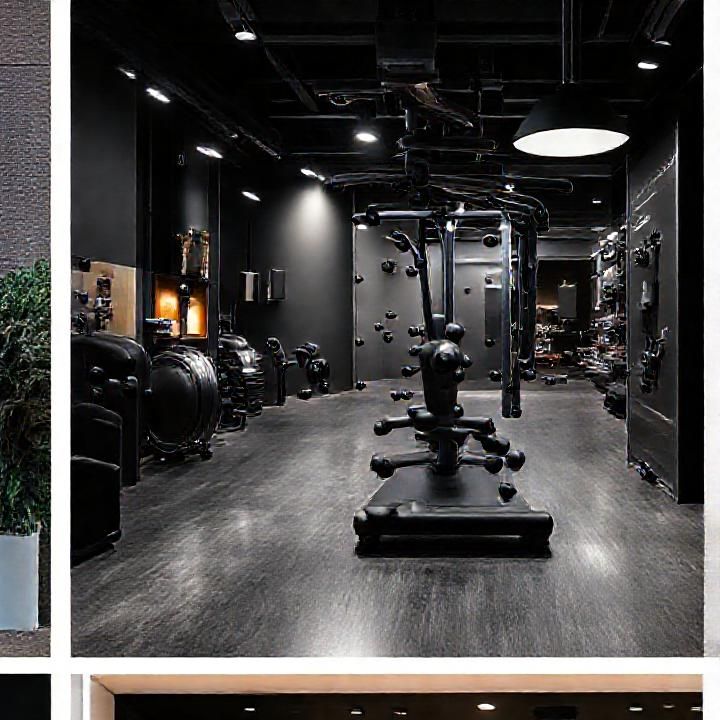
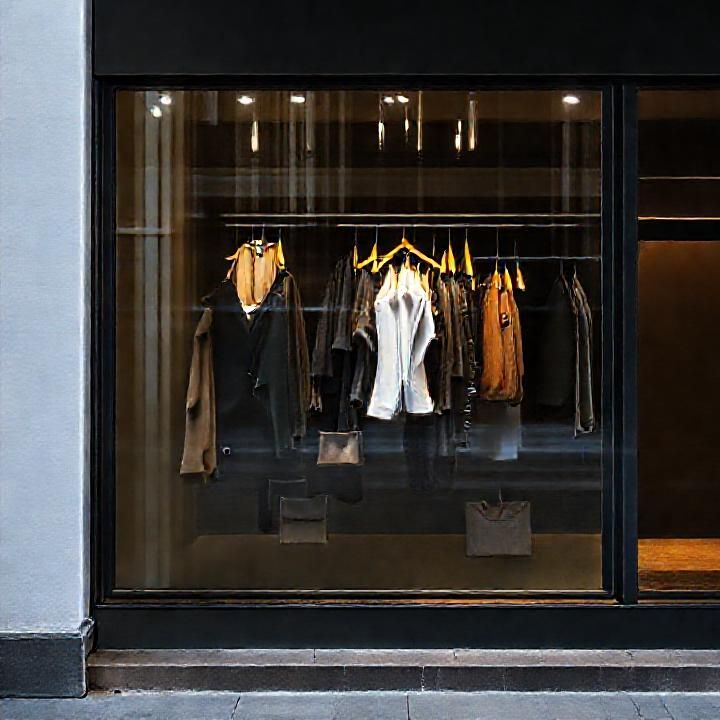
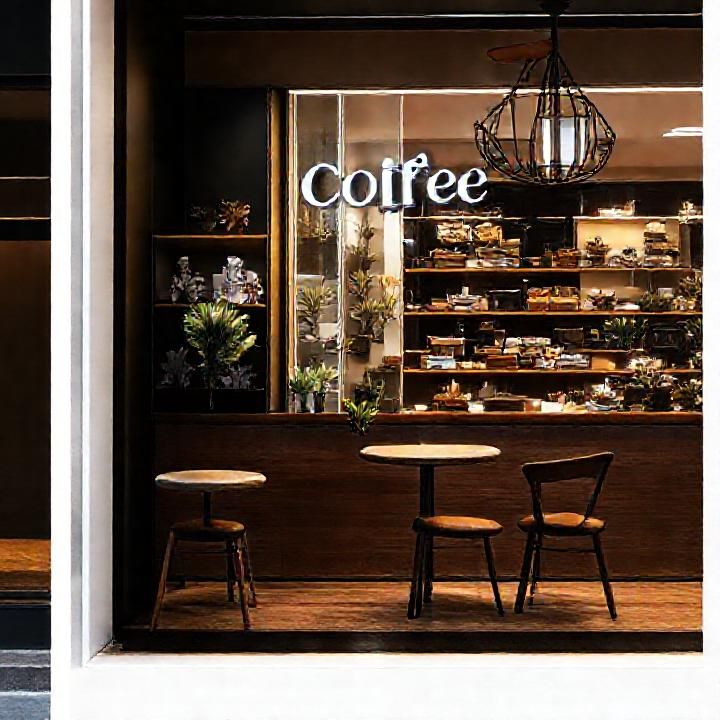
Verdict: for section heroes, generate each separately at slot size — it's already ~$0.0004 and you get independent art-direction. The grid only helps for a row of matching thumbnails.
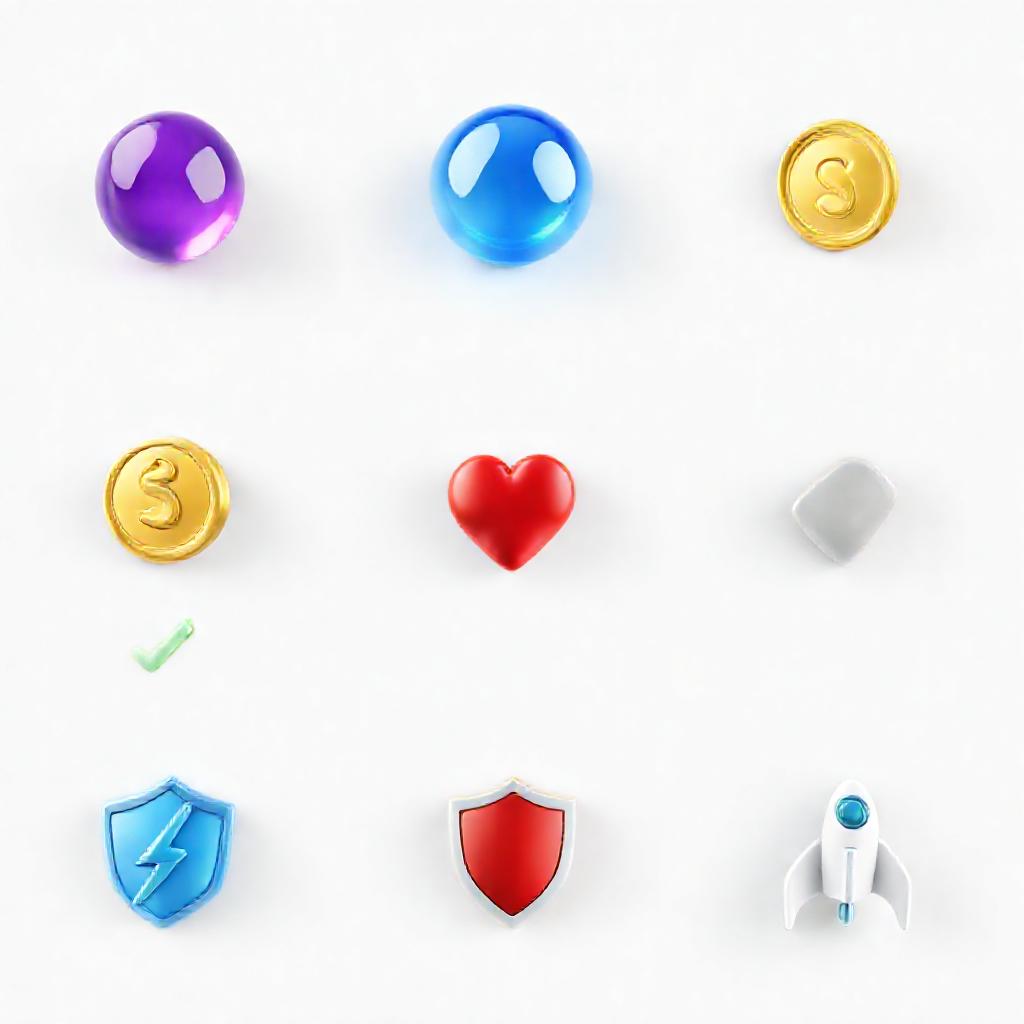
One 1024² sheet = 9 assets for $0.0005 ($0.00006 each). Crop with code (free) → remove background → drop into any section. Works because assets are shown small (a 341px tile is plenty) and are reused across every site — build the library once.

Transparency: Bria/remove_background is robust but $0.018/asset (dominates cost). Cheaper: generate the sheet on a pure chroma background and key it out with code (sharp) — free. 16 transparent assets for ~$0.0005 total. DeepInfra also has Bria-3.2-vector for true SVG-style vectors (infinite scale, tiny files) — worth a follow-up.
The numbers
| Model | Cost / image | Avg speed | Per Blinco site (~8 imgs) | Per 1,000 sites |
|---|---|---|---|---|
| FLUX-1-schnell | $0.000375 | ~1.0s | $0.0030 | $3.00 |
| FLUX-1-dev | $0.006750 | ~2.4s | $0.0540 | $54.00 |
Next step (your call): wire schnell into
stages/imagery.ts as the primary provider, ahead of Pexels/Vertex. I have not touched the live engine yet — this was a read-only test.